
Download PDF Agile – PDF editor, PDF tools, document editing, PDF merge, PDF compression, PDF password protection, PDF text editing, PDF image editing, PDF management, PDF utility, PDF tool
Overview
PDF Agile positions itself as a lightweight and accessible alternative to heavyweight PDF software like Adobe Acrobat, offering essential editing and management tools without the high resource demands or subscription fees. Designed for users who frequently handle PDF documents, the app addresses common pain points such as slow processing, large file sizes, and complex workflows. It caters to a broad audience, including students, freelancers, small business owners, and professionals who need to edit, organize, and secure PDFs on the go.
The app’s focus on efficiency and simplicity makes it particularly useful in fast-paced environments where quick document revisions are critical. By enabling direct editing of text and images, PDF Agile streamlines workflows that would otherwise require conversion to editable formats, saving valuable time and reducing errors. Its local processing model ensures that sensitive documents remain private and secure, eliminating concerns about data exposure through cloud uploads.
In the growing mobile productivity ecosystem, PDF Agile fills a crucial gap by delivering robust functionality in a compact, free package. The developer, PDF Agile, has clearly prioritized user experience and performance, making this tool a compelling choice for anyone seeking a reliable PDF utility without compromise.
Key Features & Functionality
- Lightweight Installation: At just 86.3 MB, PDF Agile requires minimal storage space, making it ideal for devices with limited capacity. This small footprint allows the app to run efficiently on older or entry-level Android devices without performance degradation.
- Fast PDF Processing: The app is optimized for speed, enabling users to open and edit large PDF files in seconds. This efficiency is especially beneficial when managing multiple documents during meetings, presentations, or urgent revisions.
- Direct PDF Editing: Users can modify text and images directly within the PDF without needing to convert the file to another format. This eliminates time-consuming steps and reduces the risk of formatting issues during editing.
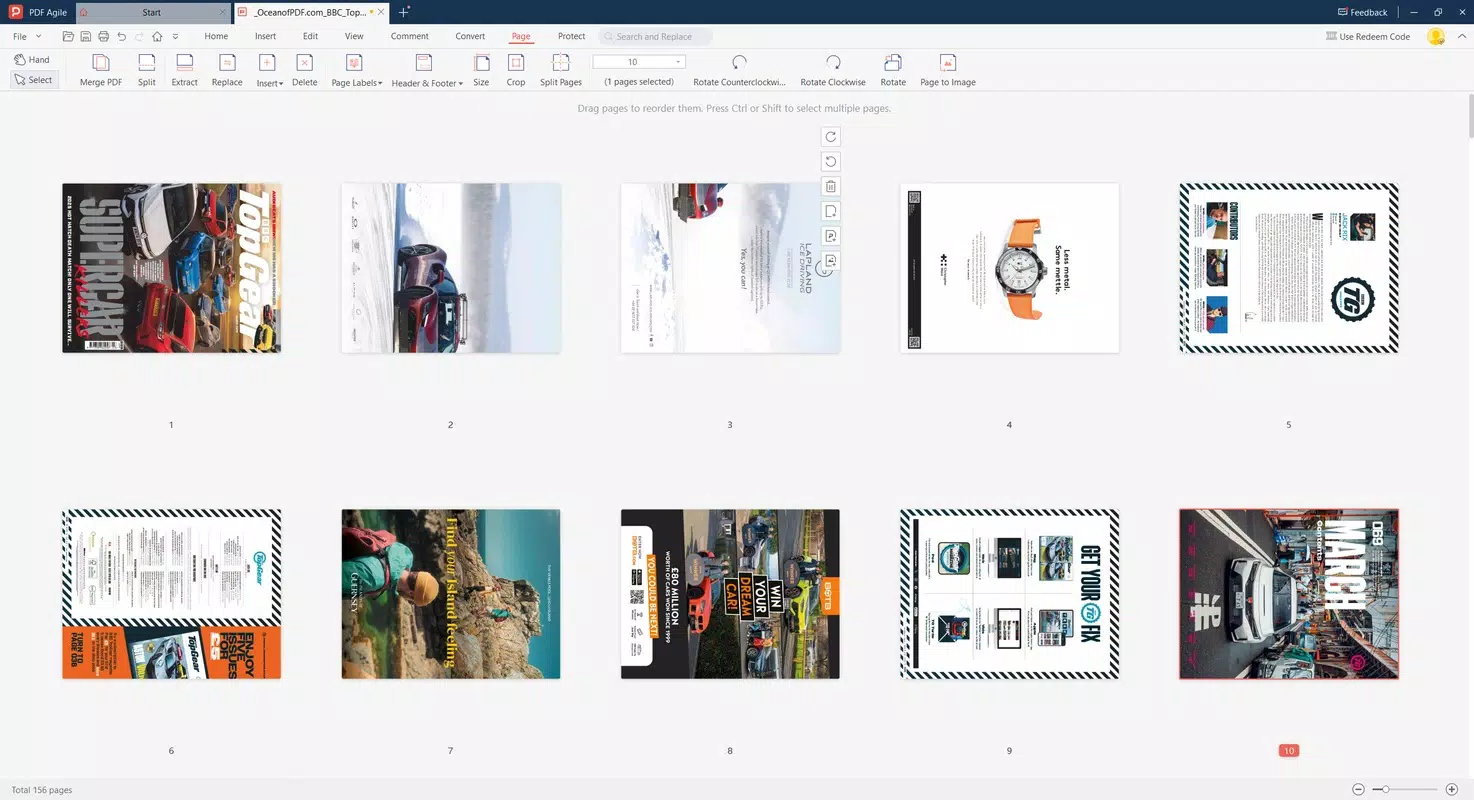
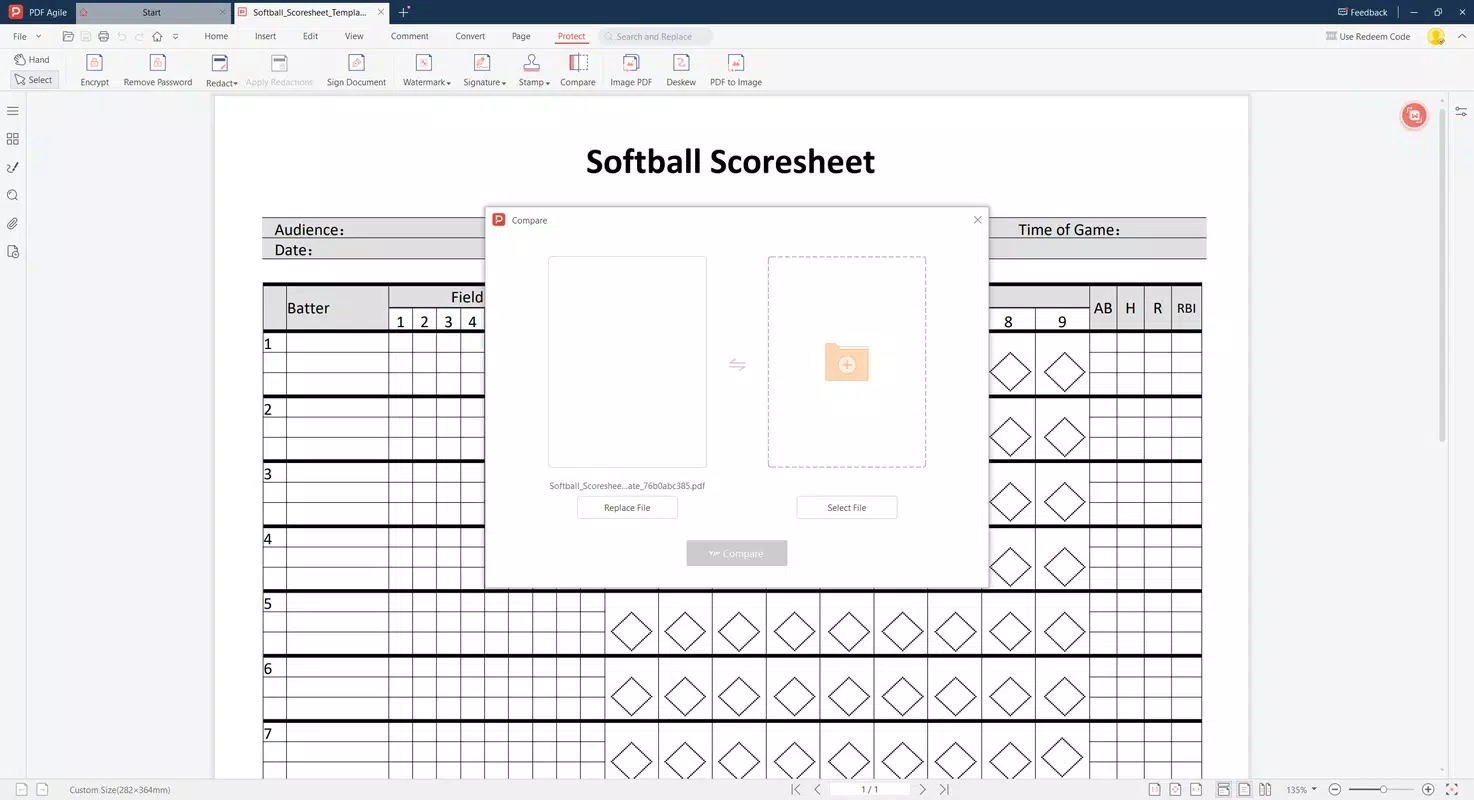
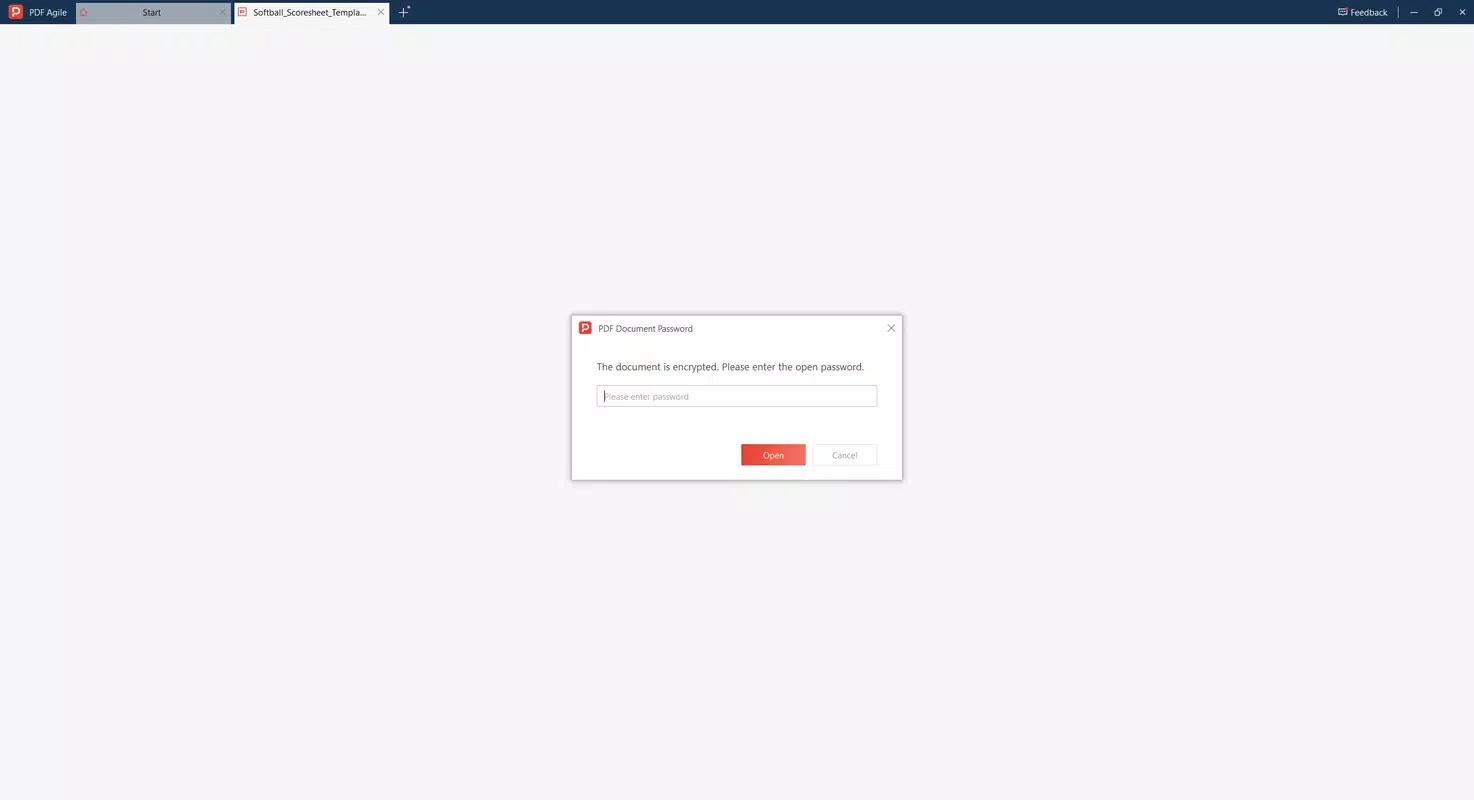
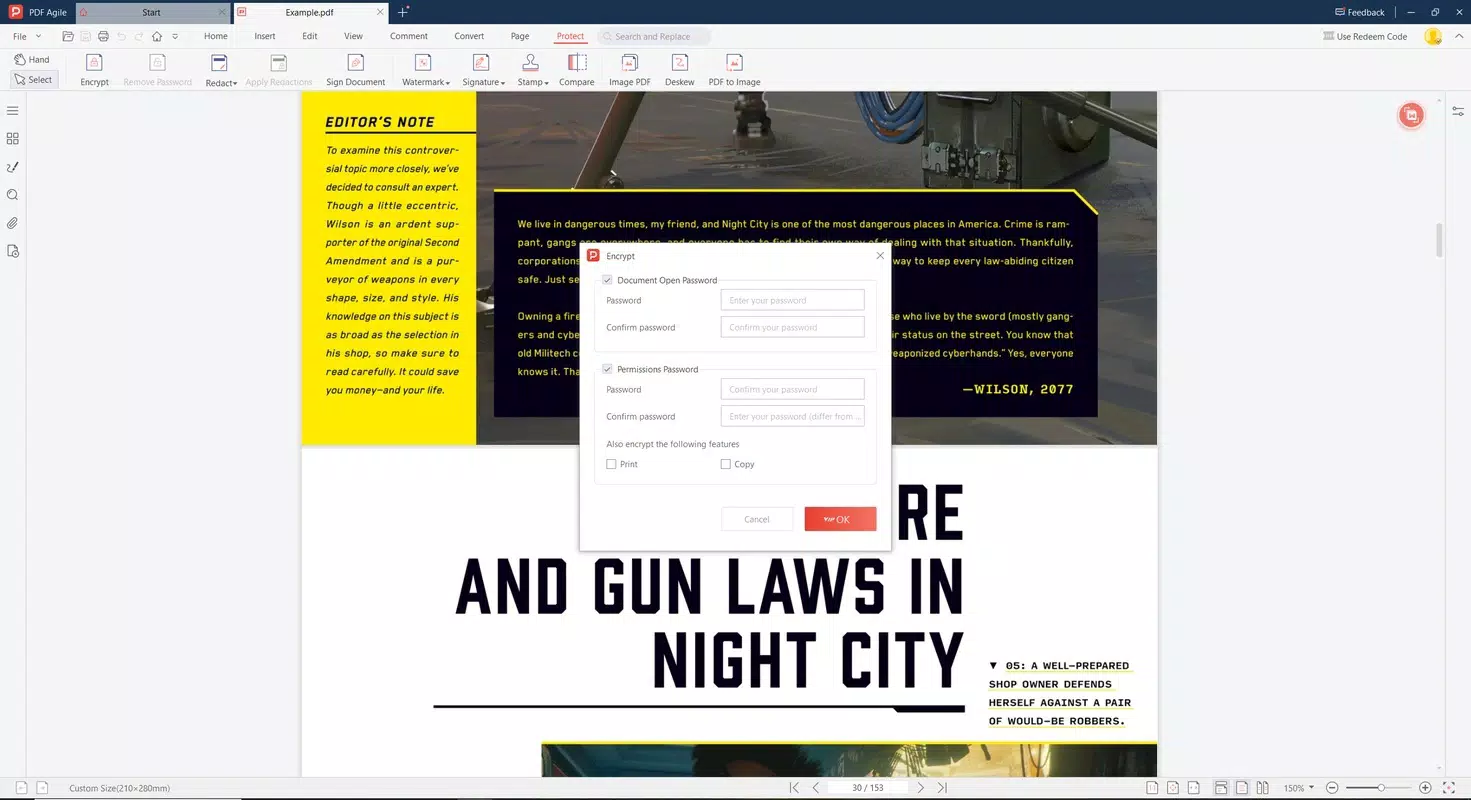
- Comprehensive File Management: PDF Agile supports merging, splitting, compressing, and password-protecting PDFs in bulk. This feature is particularly useful for organizing lengthy documents, securing confidential files, or preparing submissions with multiple attachments.
- Local Processing: All operations are performed on the device, ensuring data privacy and faster execution. No files are uploaded to external servers, which enhances security and reduces dependency on internet connectivity.
For example, a student can quickly edit a research paper’s text, merge two chapters, and password-protect the final version—all without leaving their phone. Similarly, a small business owner can compress a large proposal to reduce email size and share it securely with clients. These real-world applications highlight the app’s practical value in daily workflows.
Interface, UX & Performance
PDF Agile features a clean, intuitive interface that prioritizes ease of access to core functions. The layout is logically structured, with primary tools such as editing, merging, and compression prominently displayed on the home screen. Navigation is straightforward, allowing users to switch between tasks with minimal taps.
The visual design emphasizes clarity and functionality, using consistent icons and color coding to guide users through each step. Although the developer did not list formal performance metrics, the app’s reported speed and lightweight nature suggest smooth responsiveness across various Android devices. Users can expect stable operation during routine tasks like text editing and file compression, with minimal lag even on mid-tier hardware.
The app maintains a consistent state during file processing, reducing the risk of crashes or data loss. While no specific information was provided about compatibility with older Android versions, the small file size and efficient design indicate broad device support. Overall, the user experience reflects a thoughtful balance between simplicity and power, making it accessible to both novice and experienced users.
Platform Compatibility & Technical Requirements
PDF Agile is available exclusively on the Android platform. The current version is 1.8.2, with a file size of 86.3 MB. The app is free to download and use, with no in-app purchases or subscription models reported.
Specific requirements such as minimum Android OS version or hardware specifications were not listed by the developer. The developer did not specify minimum OS requirements, so users should ensure compatibility with their device’s operating system. The app’s lightweight design suggests it may function well on devices running Android 6.0 and above, though this is not confirmed.
No additional system permissions were disclosed, and the app operates entirely offline. The release date of the app is 2025-05-20, indicating it is a recent addition to the productivity category with up-to-date features and optimizations.
Pros and Cons
Pros
- Lightweight at only 86.3 MB, ideal for low-storage devices
- Free to download and use with no hidden costs
- Fast processing of large PDF files
- Direct editing of text and images without conversion
- Local processing ensures data privacy and faster performance
- Supports bulk operations like merging, splitting, and compressing
- Simple, intuitive interface suitable for beginners and experts alike
Cons
- Platform availability limited to Android only
- Specific OS compatibility details were not disclosed
- No information provided about advanced editing features beyond basic text and image editing
- Developer did not list any cloud sync or cross-device functionality
- Performance on older devices was not verified by the developer
FAQ
Is PDF Agile safe to download and use?
Yes, the app is free and does not require any suspicious permissions. All processing occurs locally, minimizing privacy risks.
Can I edit text and images directly in my PDFs?
Yes, PDF Agile allows direct editing of both text and images within the document, eliminating the need for conversion to other formats.
Does PDF Agile support cloud storage or syncing?
The developer did not disclose any cloud sync or backup features. All operations are performed locally on the device.
Is the app available on iOS?
Currently, PDF Agile is only available on Android. No iOS version has been announced.
How often is PDF Agile updated?
The latest version, 1.8.2, was released on 2025-05-20. Regular updates are likely, but the update frequency was not specified by the developer.
Final Thoughts
PDF Agile delivers a powerful yet compact solution for anyone managing PDFs on Android. Its combination of speed, privacy, and ease of use makes it a standout tool in the productivity category. Whether you're a student refining a thesis, a professional preparing a report, or a business user handling confidential documents, this app provides the essential tools needed to work efficiently.
The absence of subscription fees and the focus on local processing enhance its value proposition significantly. With a clean interface and robust functionality packed into a small package, PDF Agile proves that high performance doesn’t require a large footprint. For users seeking a reliable, secure, and free PDF editor, this app is an excellent choice.
Download PDF Agile now.


